Packaging products for Korii
January 19, 2008 · 217 views · 0 comments
Nearby In Time
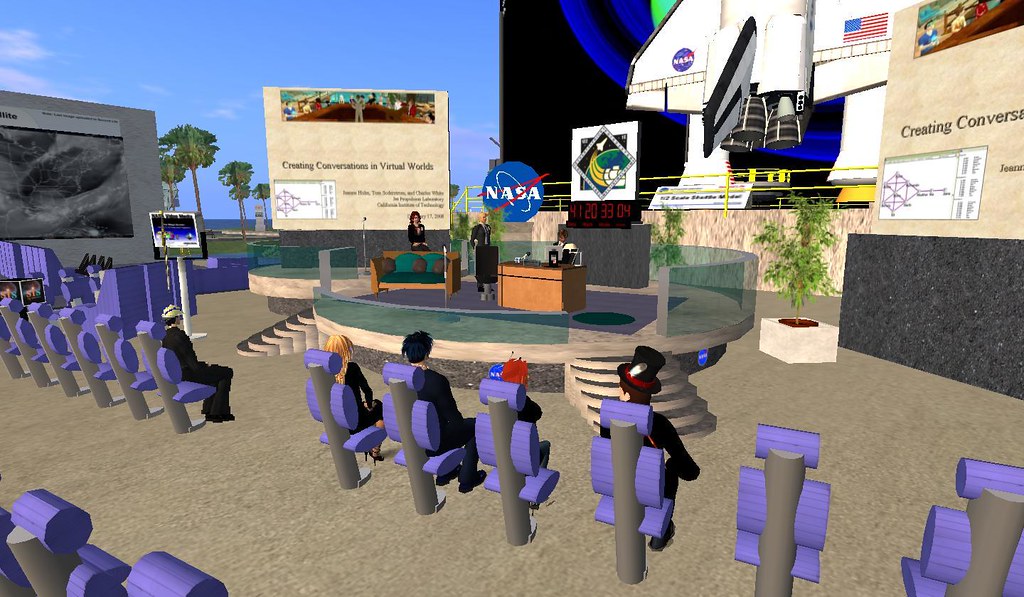 NASA - Creating informational and virtual space for knowledge sharing
January 17, 2008
NASA - Creating informational and virtual space for knowledge sharing
January 17, 2008
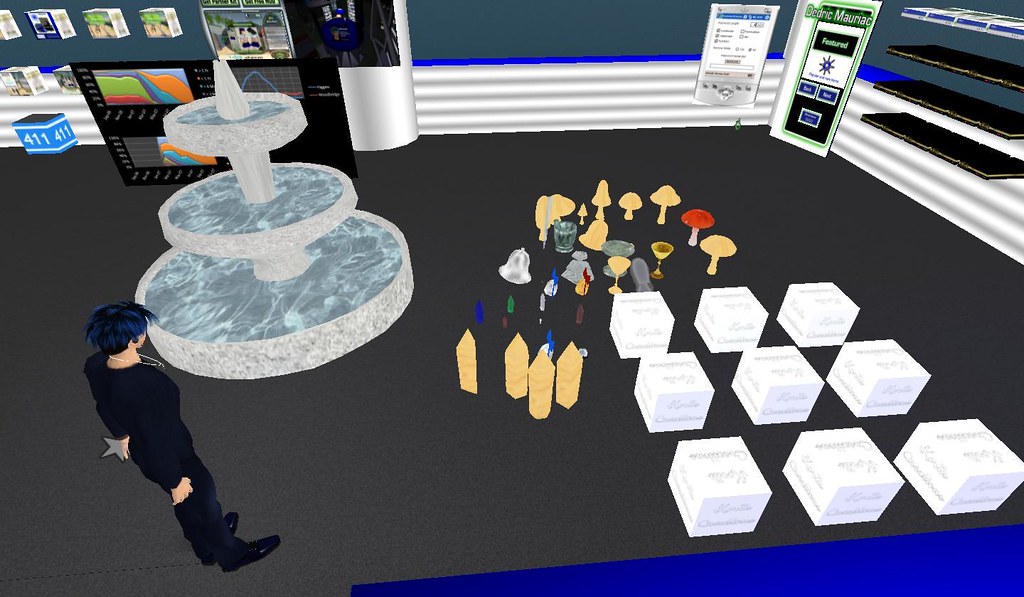 Koriis Creations
January 18, 2008
Koriis Creations
January 18, 2008
 Havok 4 Reaches the Main Grid
January 18, 2008
Havok 4 Reaches the Main Grid
January 18, 2008
 Region Messages
January 18, 2008
Region Messages
January 18, 2008
 Packaging products for Korii
January 19, 2008
Packaging products for Korii
January 19, 2008
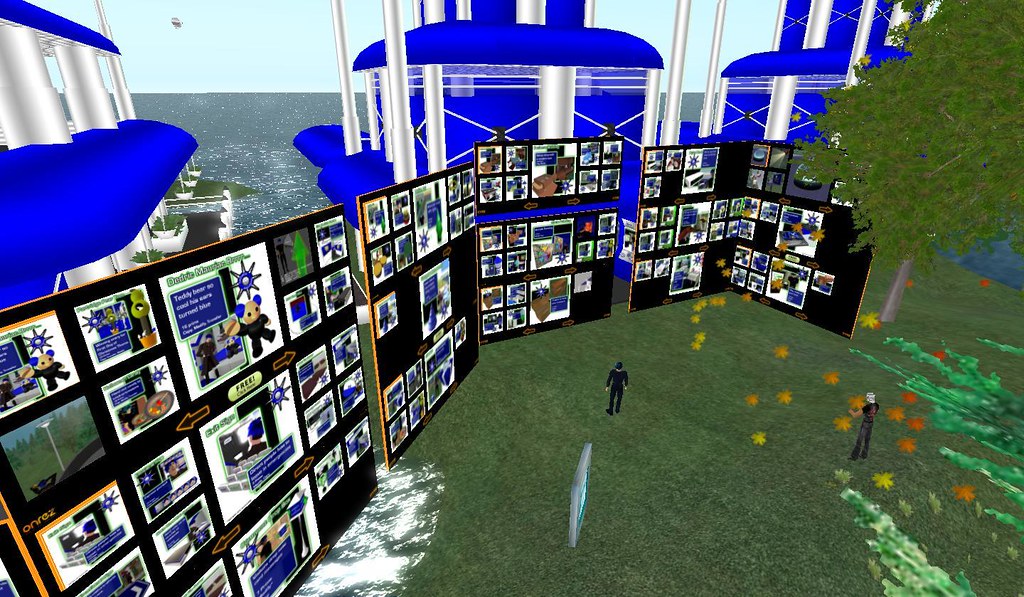 OnRez offers eight panel vendors in limited beta
January 19, 2008
OnRez offers eight panel vendors in limited beta
January 19, 2008
 Havok 4 ... not!
January 19, 2008
Havok 4 ... not!
January 19, 2008
 Electronic repair
January 19, 2008
Electronic repair
January 19, 2008
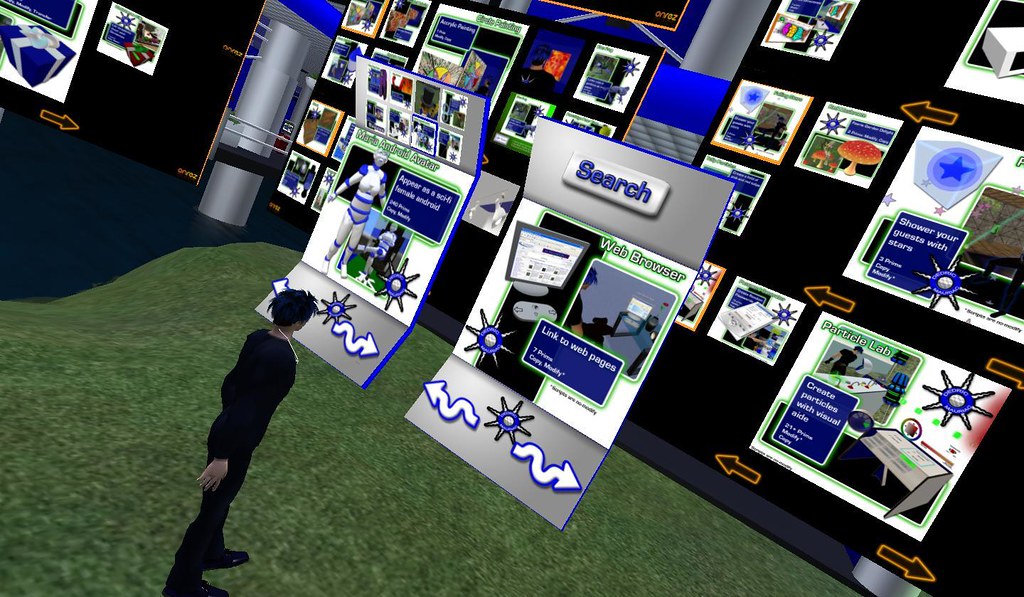 Customizing the OnRez 8-Panel Vendor
January 19, 2008
Customizing the OnRez 8-Panel Vendor
January 19, 2008
About
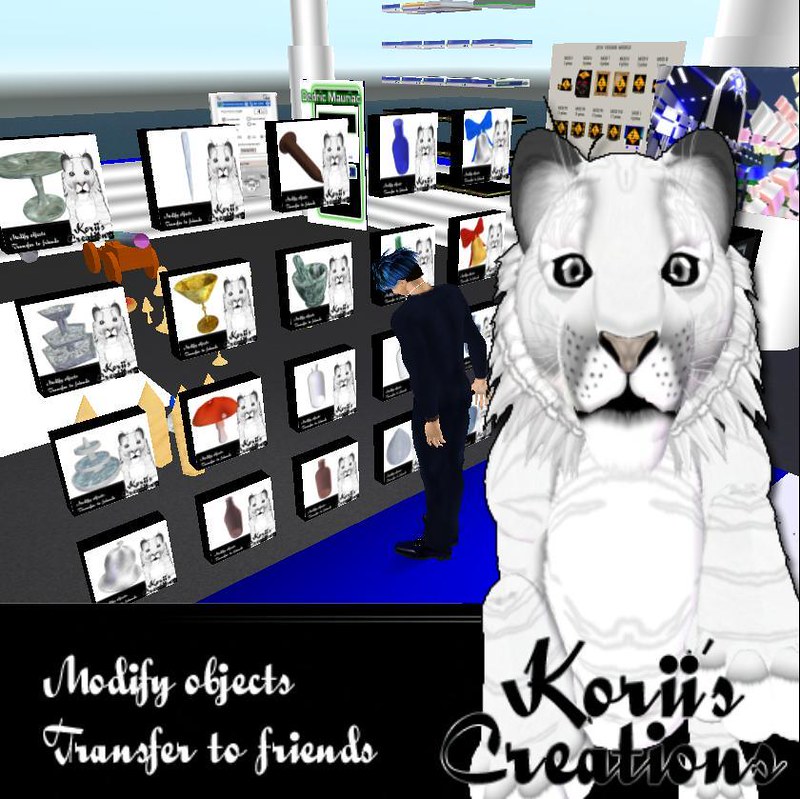
Korii Tiger dumped a lot of sculpties on me the other day and told me to sell them for her. My heart sank a little. I go through a lot of complex steps to present my products to the general public as well as creating documentation and images.
I got a little smart this time with her products. She didn't need all of that fancy stuff. She just needed a quick and dirty way to sell things. I created an image for her product presentation indicating the name of the store, the permissionson her objects, and a photo of her tiger avatar. The rest of the image was transparent. After I uploaded the image into second life, I slapped it on a primand attached it to the center of my hud. I was able to navigate around with alt-zoom through the transparent portions of the image. I took a snapshot and immediately uploaded it as a 512x512. The products looked great and there was no post-processing involved.
I did run into a few problems along the way. Windlight acts funny when uploading a snapshot when trying to work with 512x512 images. The "Keep specified aspect ratio" seems to be the problem. It takes the actual 512x512 pixel size seen on the screen rather than resizing my snapshots to 512x512 from the full screen. I had to take all of the snapshots with the regular release candidate viewer.
The prim attachment was fairly simple. I have a widescreen laptop, so I couldn't stick with a simple prim of 1 meter square. I made it two meters by one meter and then tapered it 50%. I made the extra sides black. They are not seen anyway since I used the aspect ratio checkbox and the center face was an exact square. I had a bit of problems with the texture trying to wrap to opposite sides as well, but I ended up just setting both the horizontal and vertical repeats per face to 0.98. Otherwise a little bit of white from the tiger on the right hand side would show up on the left edge.
For each product, I rezzed it in a light box made of three prims. Each prim was set to white, a blank texture, and full bright.
In no time at all, I had 20 objects packaged up with pictures all taken in-world. Preparing images for my own products usually takes about an hour with all of the post processing work. I wish I had thought of this sooner.
Now comes the hard part. Determining how much these things are worth. Most are simple one-prim sculpties. I believe it is time to do a little research.
Posted by Second Life Resident Dedric Mauriac. Visit Woodbridge.